
Give Yourself Immersive Experiences with CenarioVR
Turn 360° photos and 3D video into interactive VR experiences your learners can explore.

Add Your Images
Upload any 360° photo or 3D video footage with one click.

Build Your Project
Add hotspots, animations, conditions, tests and more.
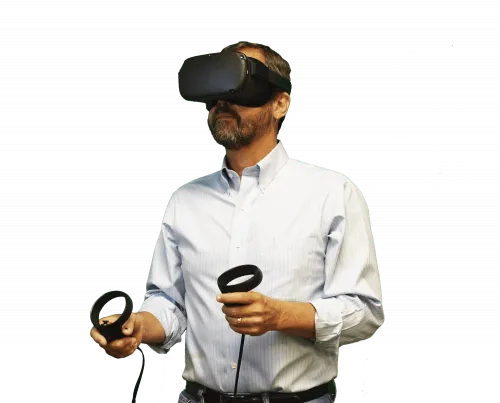
Content Display Options
CenarioVR projects play on the web, mobile apps and most major VR headsets.
Web and Mobile Access, plus Lectora and other authoring apps.
Android and iOS apps with Cardboard headset support.
Oculus Go, HTC Vive, Samsung Gear VR, Pico G2 and G2 4K.
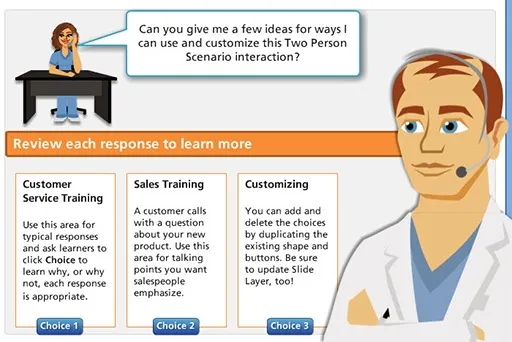
Share
Publish your project on the web, mobile devices, LMSs, and other development applications.

Follow
View live statistics and an xAPI analytics dashboard.

Interactive Hotspots
Guide learners through a scene with clickable hotspots, quizzes and branching paths.
Frequently Asked Questions
Find answers to common questions about licensing, setup, and support for CenarioVR.
How do we obtain licensing for CenarioVR?
Does Bringvision offer training and setup support?
Is CenarioVR compatible with our existing LMS?
How do we get pricing for CenarioVR?
Also Explore
Discover more eLearning and content creation platforms represented by Bringvision.