Precision Screen & Camera Capture
 Intuitive Drag-and-Drop Timeline
 Studio-Grade Audio Cleanup
 SCORM & LMS Ready Exports

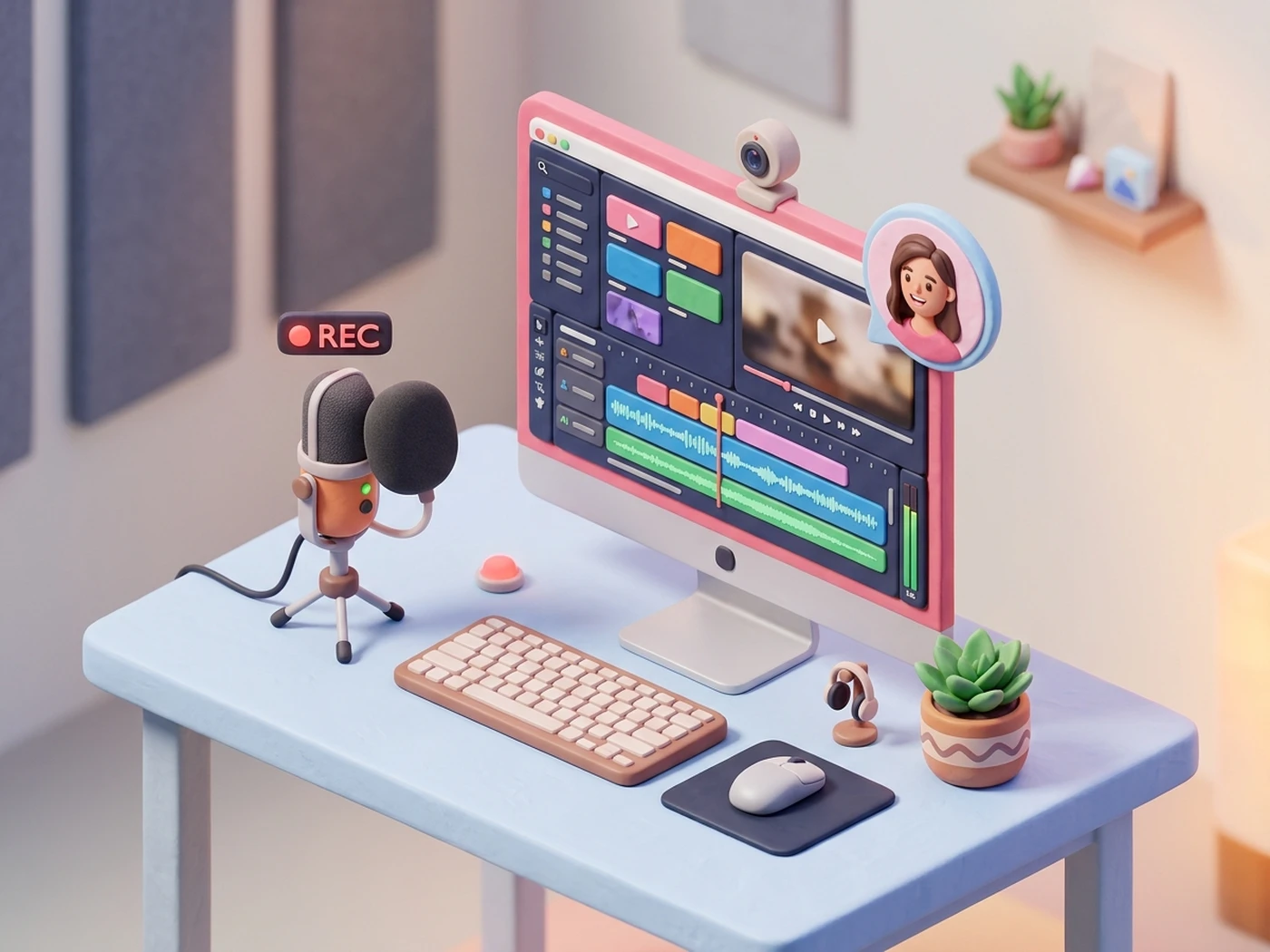
Screen Recording & Video Editing Reimagined
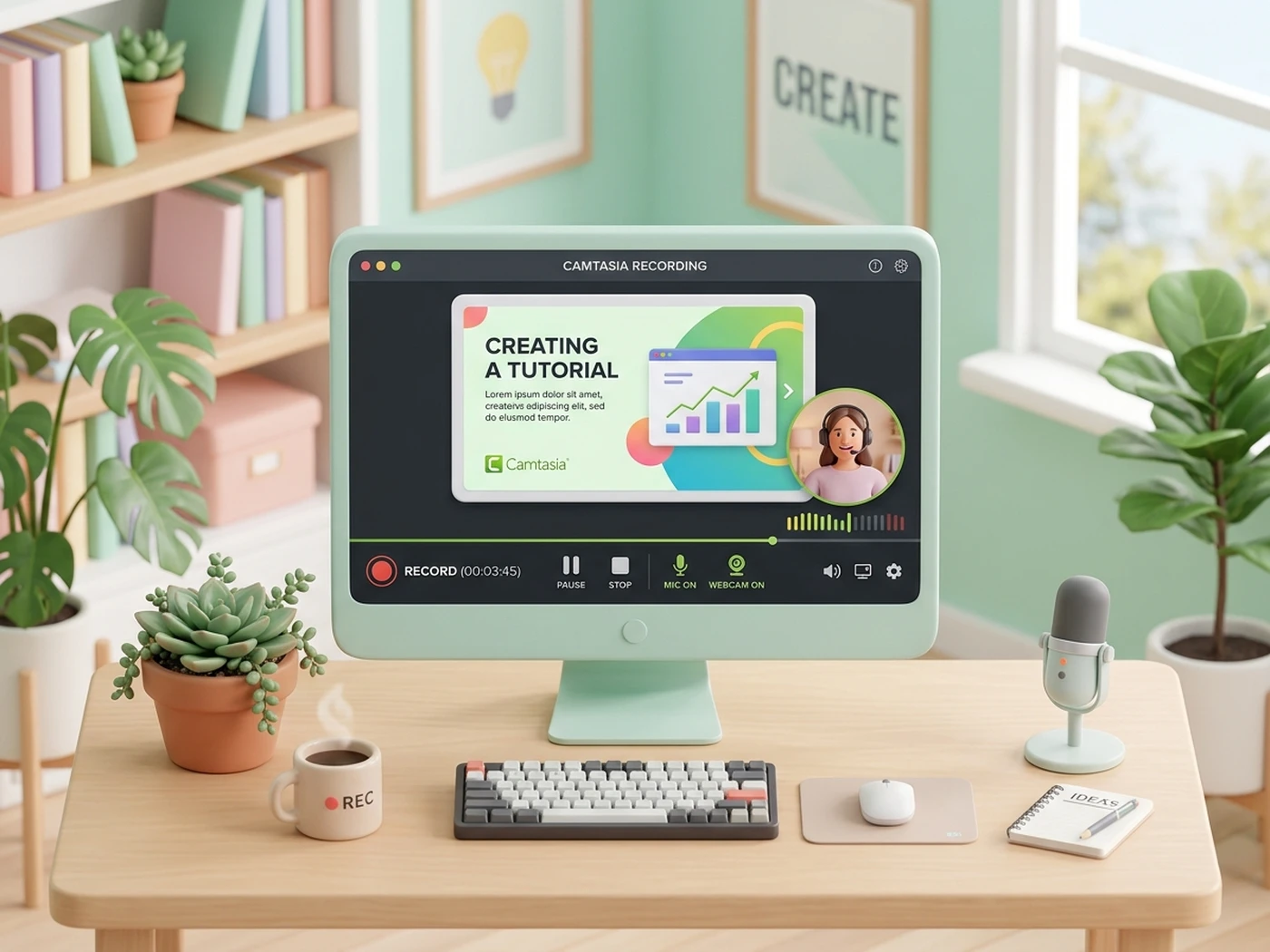
Record high-resolution screen activity, webcam, and system audio simultaneously. Transform complex software workflows and product demonstrations into crystal-clear tutorials with intuitive timeline controls.
Precision Screen & Camera Capture
Record full screens, custom regions, or individual app windows with synced 4K webcam and studio microphone audio.
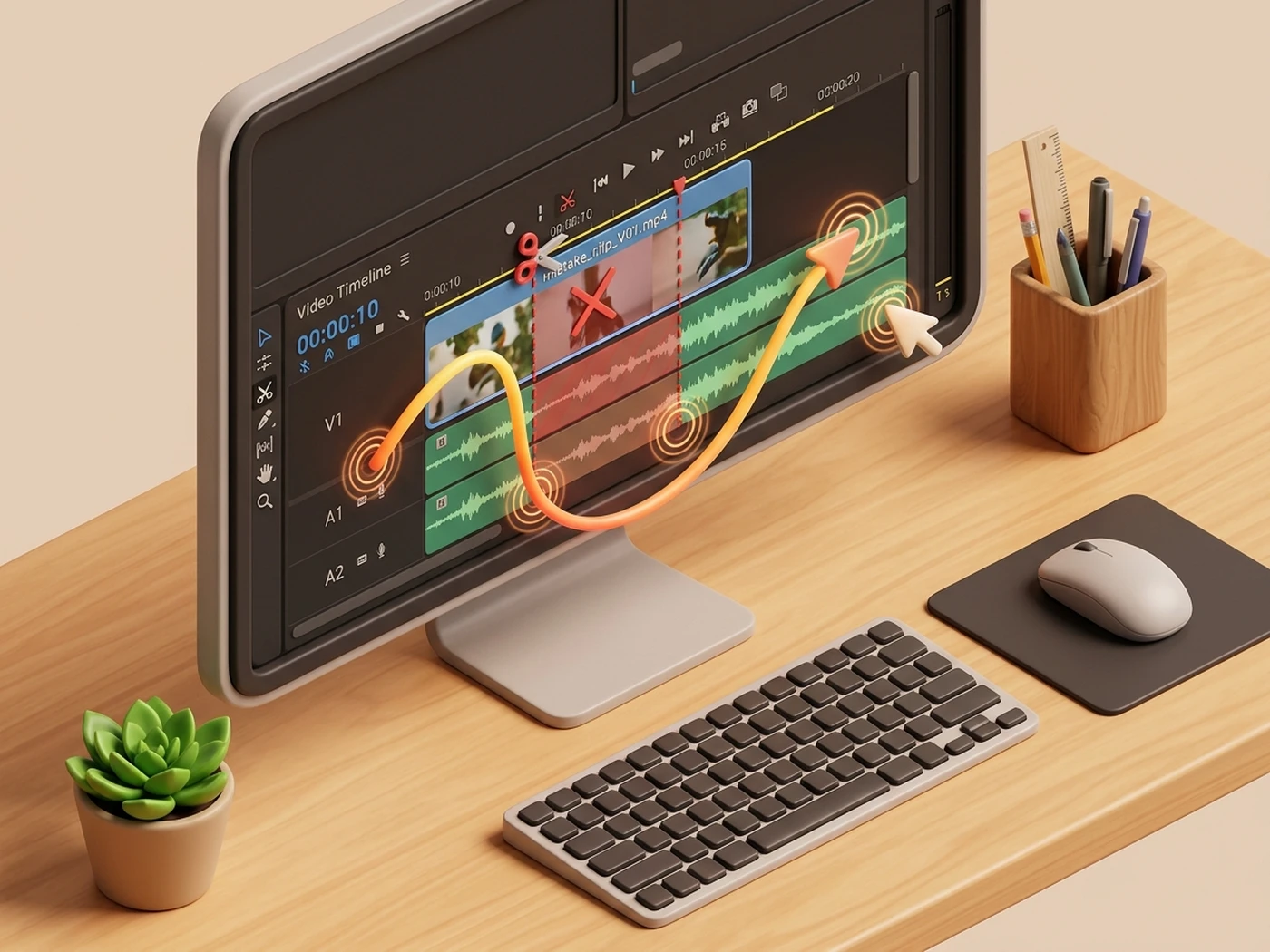
Intuitive Drag-and-Drop Timeline
Easily splice clips, remove mistakes, and snap smooth transitions, annotations, and callouts into place with zero lag.
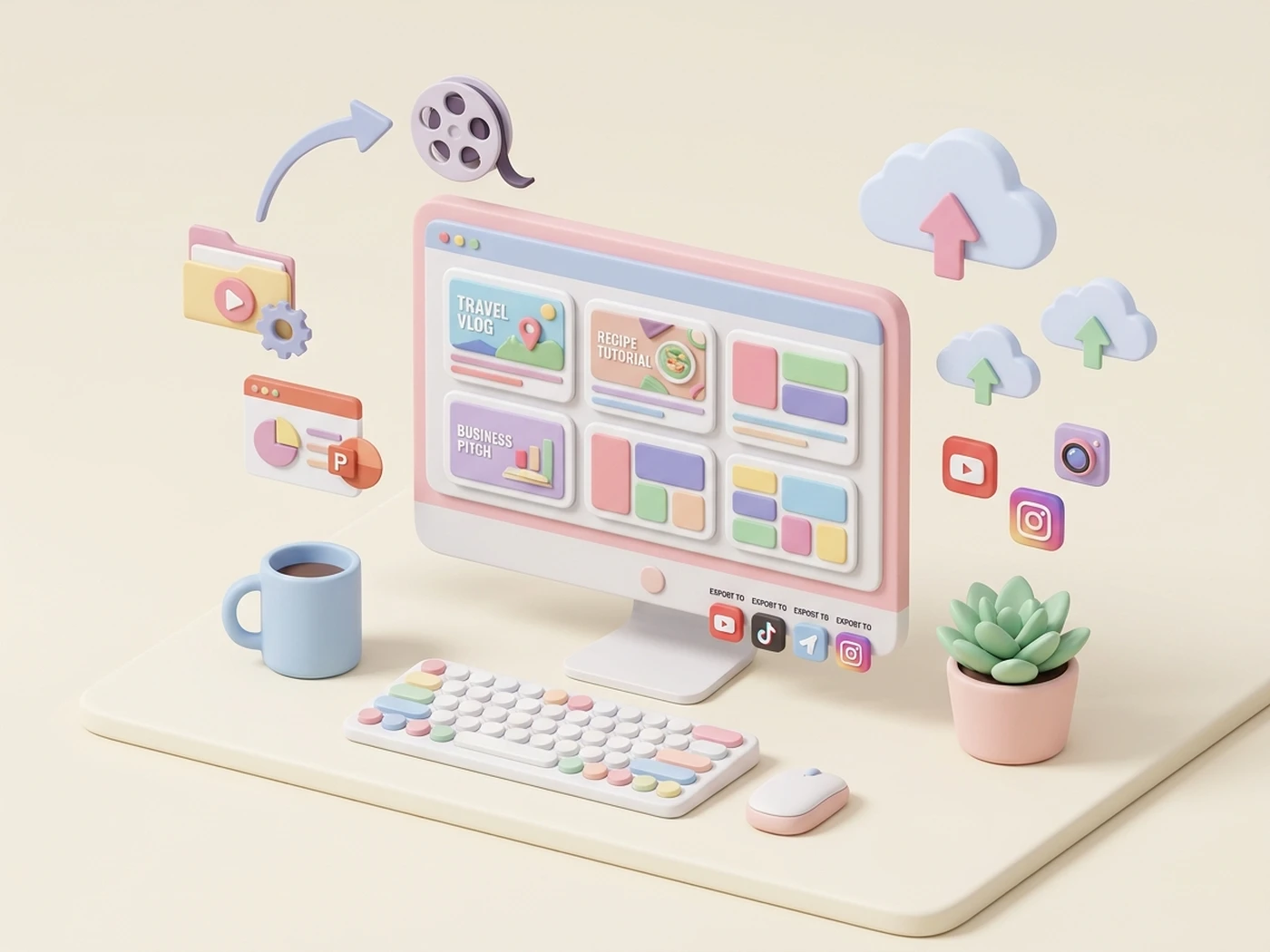
Standardized Brand Templates & Rapid Asset Sharing
Accelerate video production across your enterprise with pre-built brand templates, shared asset libraries, and unified presets that keep every video aligned with your corporate identity.
PowerPoint to Interactive Video Convert slide decks directly into engaging video lessons with embedded quizzes, chapter markers, and multi-language captions.
Shared Team Libraries & Presets Distribute approved corporate themes, intros, lower-thirds, callouts, and audio presets in a single portable file.
Multi-Platform Cloud Publishing Export directly to LMS platforms, YouTube, Vimeo, or local high-definition MP4 with customized bitrate and resolution profiles.
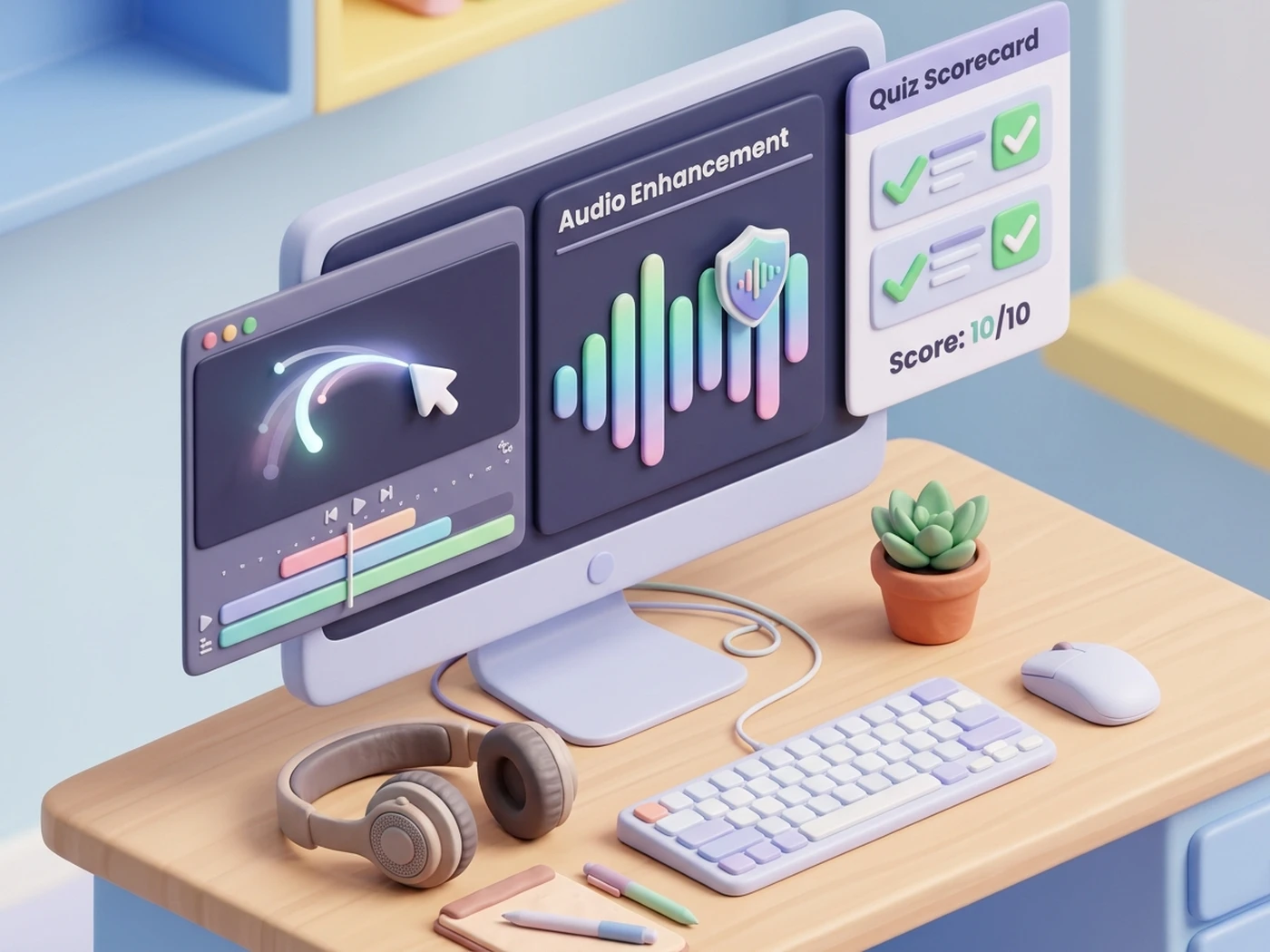
Dynamic Cursor Smoothing & Studio Audio Enhancements
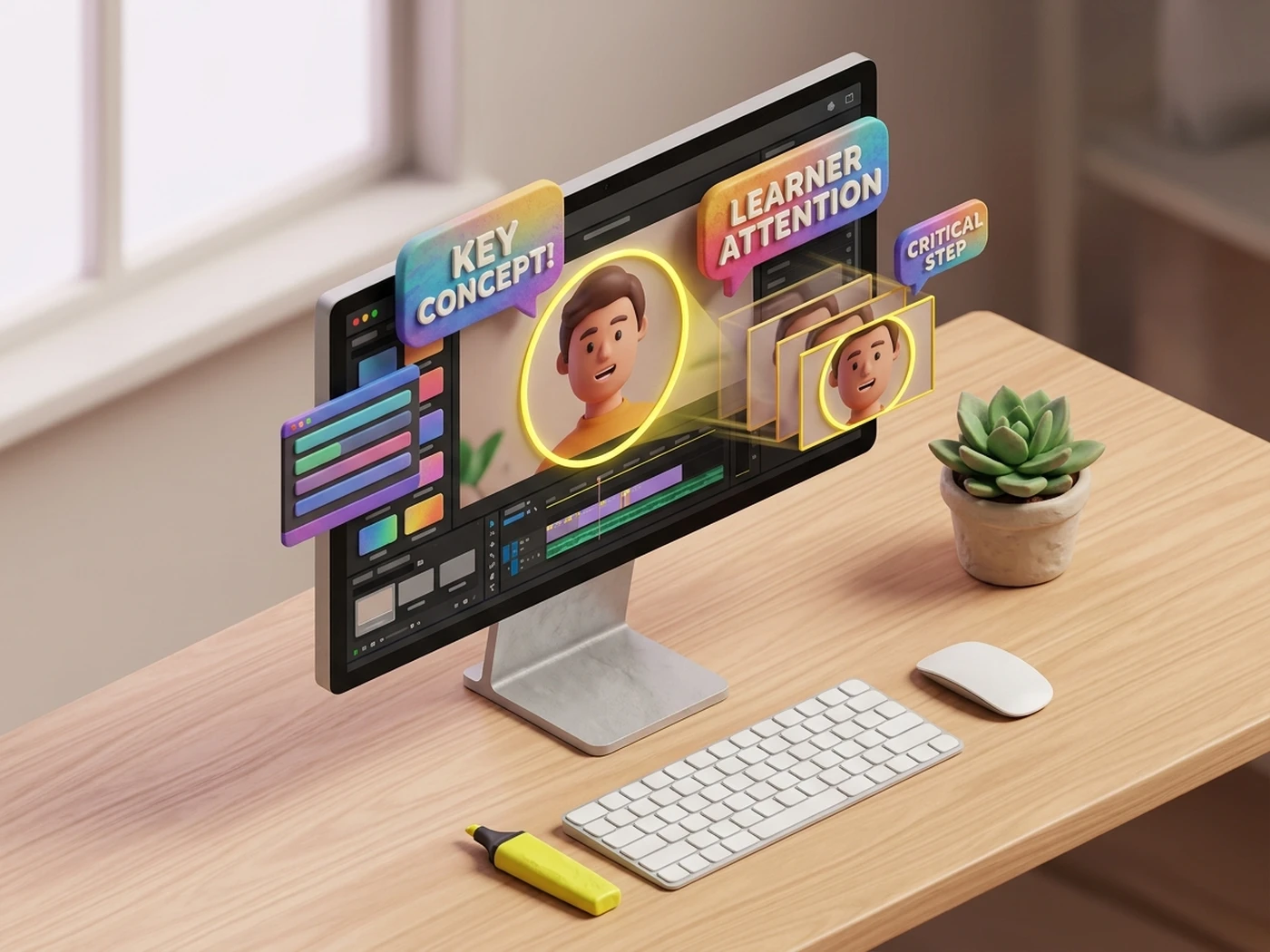
Keep learners focused with automated cursor path smoothing, click spotlights, and AI background noise removal. Deliver polished, studio-grade training videos that maximize comprehension.
Studio-Grade Audio Cleanup
Automatically filter ambient room noise, balance vocal peaks, and isolate clear voiceover narration with one click.
SCORM & LMS Ready Exports
Package interactive quizzes, feedback checkpoints, and video chapters directly into SCORM, xAPI, and cmi5 standards.
Step-by-step eLearning video production with Camtasia
Frequently Asked Questions
Find answers to common questions about licensing, setup, and support for Camtasia.
How do we obtain licensing for Camtasia?
Does Bringvision offer training and setup support?
Is Camtasia compatible with our existing LMS?
How do we get pricing for Camtasia?
Also Explore
Discover more eLearning and content creation platforms represented by Bringvision.